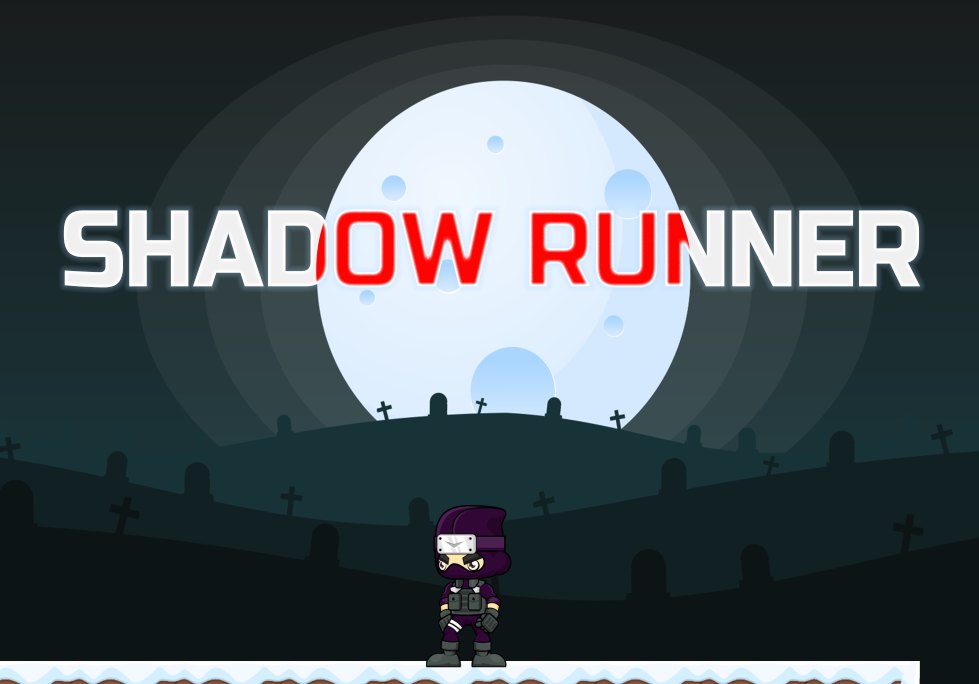
Shadow runner
A downloadable game
this is a tryal game for BYOG 2025
and my first game
Download
Install instructions
Game: Shadow Runner
🧍♂️ Script: PlayerController.cs
📁 Location: Assets/Scripts/PlayerController.cs
🕹️ Player Controls
| Action | Key | Description |
| Move Left | A / ← | Moves the player to the left. |
| Move Right | D / → | Moves the player to the right. |
| Jump | Spacebar | Makes the player jump. Allows one double jump in air. |
| Melee Attack | F | Attacks nearby enemies in melee range. |
| Throw Fireball | G | Throws a fireball in the direction the player is facing. |
❤️ Health System
- Maximum Health: 5
- UI: Health is shown with 🖤 (full) and ❤️ (empty) hearts.
- Damage: Player takes damage when colliding with enemies.
- Cooldown: Damage cooldown (1 second) prevents repeated damage.
🔥 Combat System
- Melee (F): Triggers an animation and hits enemies in a defined radius (attackRange) from an attackPoint.
- Fireball (G): Instantiates a fireball prefab in the direction the player is facing (left/right).
🧗 Movement Mechanics
- Movement uses Rigidbody2D.linearVelocity.
- Speed is reduced mid-air (50% of ground speed).
- Double Jump: Only one double jump is allowed during airtime.
💀 Death & Game Over
- If health <= 0, the player dies:
- Movement/controls disabled.
- Triggers Game Over UI via GameOverManager.
- If GameOverManager is not assigned, reloads the level after 2 seconds.
🔁 Respawn at Checkpoint
- RespawnAtCheckpoint(Vector3 position, Transform platformParent = null):
- Moves the player to the saved position.
- Keeps player attached to moving platform (if provided).
- Re-enables player control.
🎯 Level Completion
- Reaching a trigger zone (e.g. a portal) tagged for level completion:
- Calls LevelFinish.cs
- Loads next level if available in Build Settings.
- If it's the last level, reloads current level.
🧩 Main Menu System
- Script: MainMenu.cs
- Start:
- Loads a list of available scenes from Build Settings (except index 0).
- Each button loads a specific level.
- Quit:
- Quits game or stops play mode in editor.
🎬 Level Complete UI
- Managed by: LevelUIManager.cs
- Shows when the player finishes a level:
- Retry: Reloads current level.
- Next: Loads the next level (only if available).
- UI panel is hidden by default and shown on completion.
🛠️ Developer Guidelines
- Scenes:
- Add all playable scenes in File > Build Settings.
- Keep Main Menu at index 0.
- Prefabs:
- levelButtonPrefab must have a Button and TextMeshProUGUI.
- Player must have:
- Rigidbody2D
- Animator
- SpriteRenderer
- Tag: "Player"
📦 Recommended Scene Order
| Build Index | Scene Name |
| 0 | MainMenu |
| 1 | Level1 |
| 2 | Level2 |
| ... | ... |
🔄 Setting Up a New Level
- Create a new scene and add it to Build Settings.
- Add:
- A Player
- A Portal with LevelFinish.cs
- Optional: Enemies and Checkpoints
- Add Retry and Next UI buttons.
- Assign buttons in the LevelUIManager script.
- Test from Main Menu.
📂 Scripts Overview
| Script | Function |
| PlayerController.cs | Player movement, combat, health. |
| MainMenu.cs | Main menu UI, level selection, and quit. |
| LevelUIManager.cs | Shows Retry/Next UI after level completion. |
| LevelFinish.cs | Handles logic to load next level or reload current. |
| GameOverManager.cs | Triggers and displays Game Over screen. |
Leave a comment
Log in with itch.io to leave a comment.